TV Remote for Samsung
Spikes Labs
Downloads
5,000,000+
Source
Google Play
Advertisement
Click to download now, finish the installation quickly, and directly unlock the all-round experience
Advertisement
Screenshots
Click to download now, finish the installation quickly, and directly unlock the all-round experience
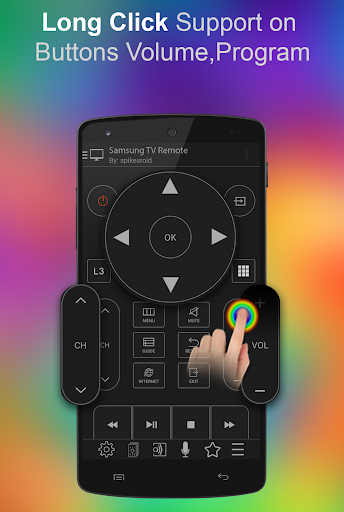
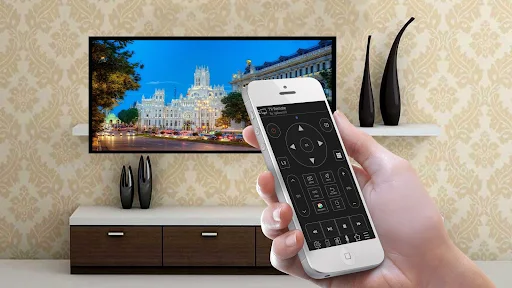
TV Remote for Samsung turns an Android phone into a controller for a Samsung television. It suits people who want to change channels or adjust volume without reaching for the physical remote, and those who also want to send phone media to the TV. Spikes Labs lists it in Video Players & Editors. The app has a 3.78 rating from 25,192 ratings and 5,000,000+ installs.
In Wi-Fi mode, the phone and compatible Samsung Smart TV need to be on the same home network. The TV must accept the connection request; if it is declined, the app’s instructions point to the TV’s network settings. Wi-Fi control cannot turn on a TV that is off, because the television is not connected to the network in that state.
Alternatively, the app can use a phone’s built-in infrared blaster. This requires a phone with that hardware, so check your device before relying on this option. The connection method matters: a phone without an IR blaster needs a compatible Smart TV and working Wi-Fi.
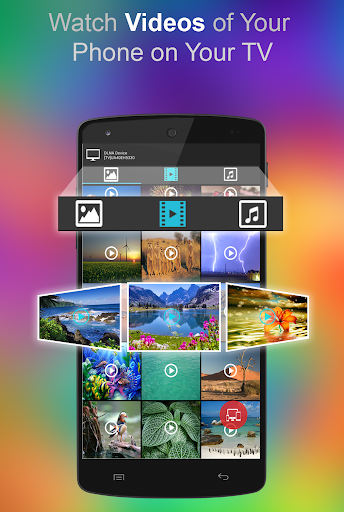
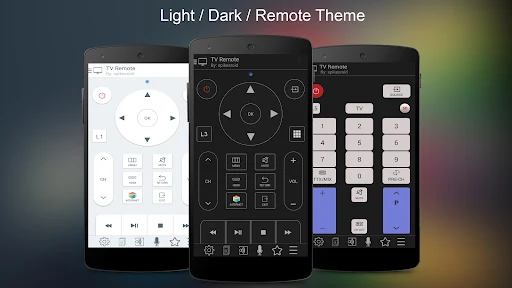
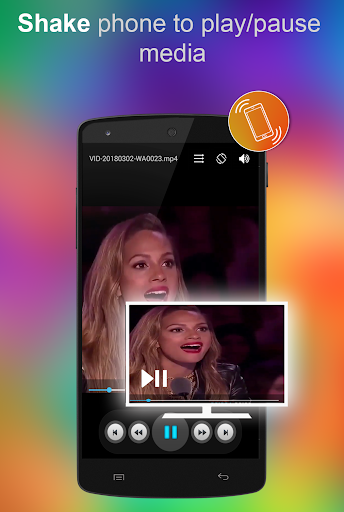
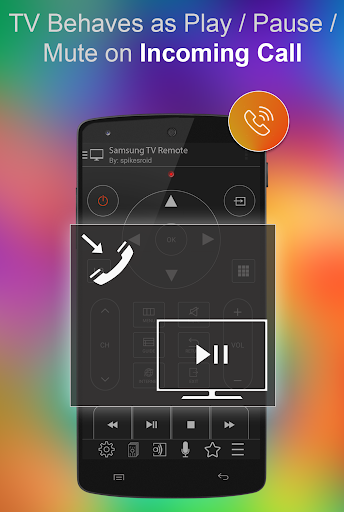
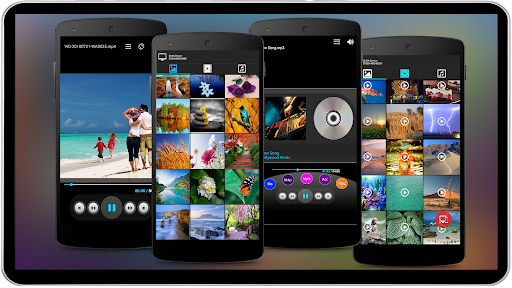
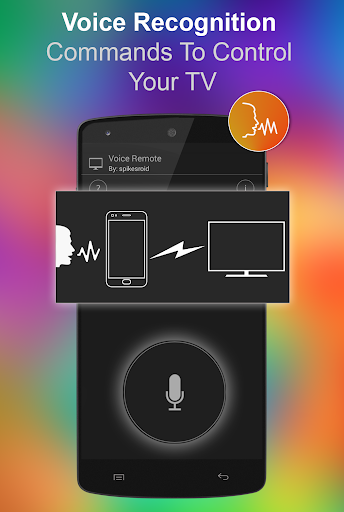
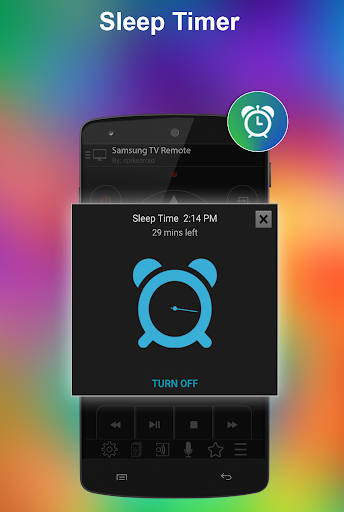
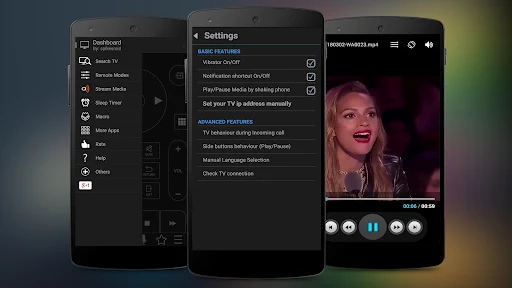
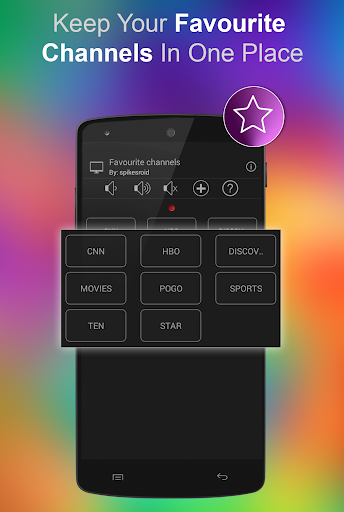
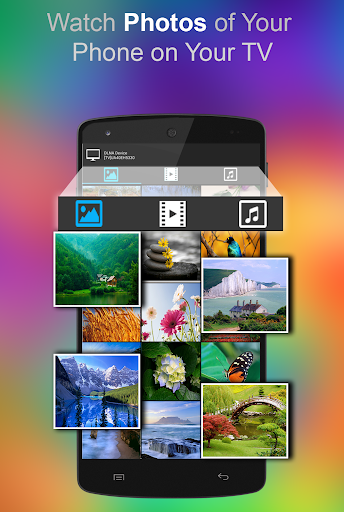
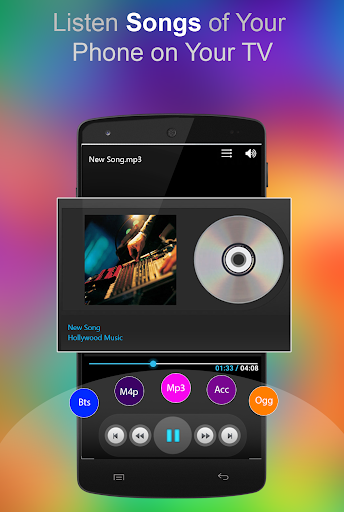
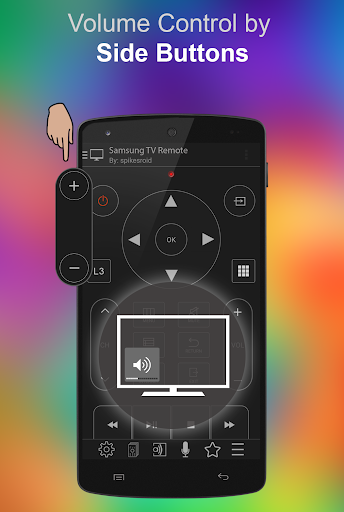
Alongside remote controls, the app includes features for using the phone with the TV. It can send photos, audio and video to the television through DLNA, and includes a media player and sleep timer. Other options include voice commands, text entry, favorite channels and custom remotes with selected buttons. You can also set up macros for multiple actions, use the phone’s side buttons for volume, or shake it to play or pause media.
This app is most relevant if you have a Samsung TV and either a compatible network connection or an IR-equipped phone. It may be less suitable if you need to power on the TV over Wi-Fi, or if your phone lacks an IR blaster and your television does not support the app’s network control. Comparing it with other remote apps can help clarify which connection methods and extra controls match your devices.